
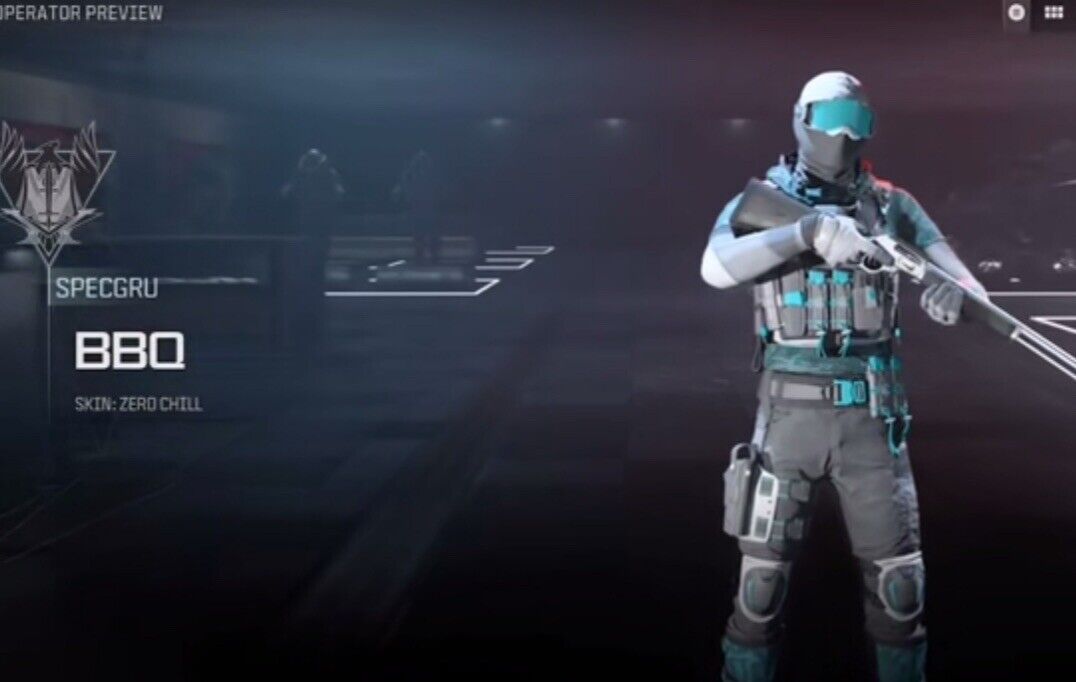
Description
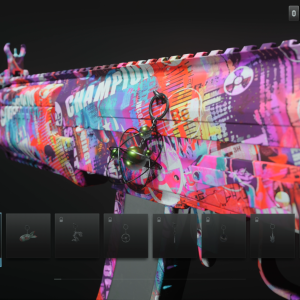
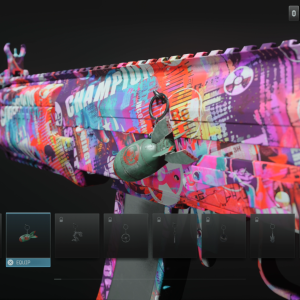
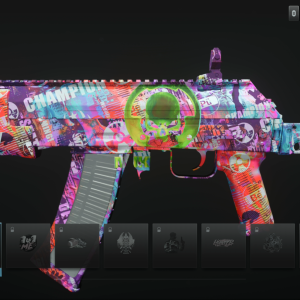
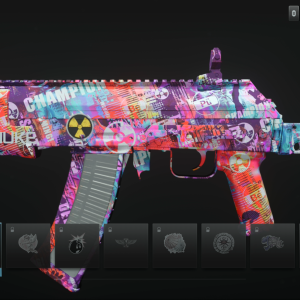
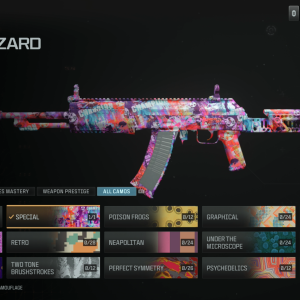
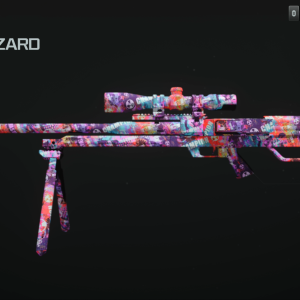
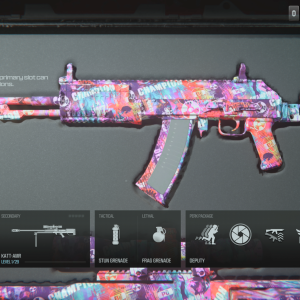
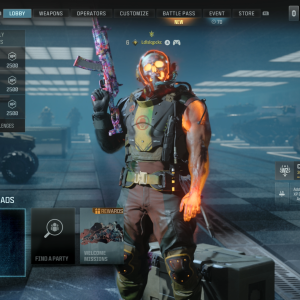
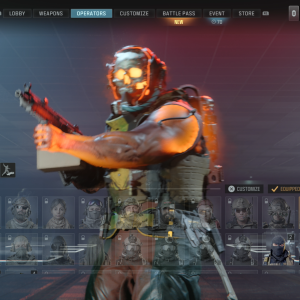
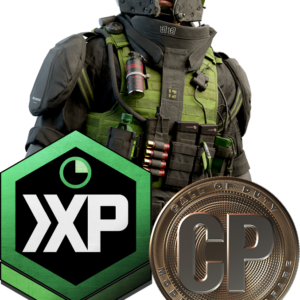
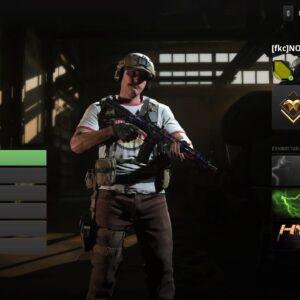
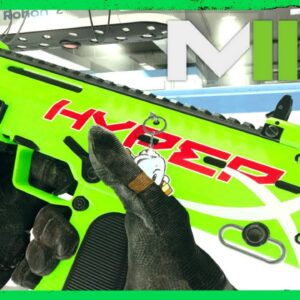
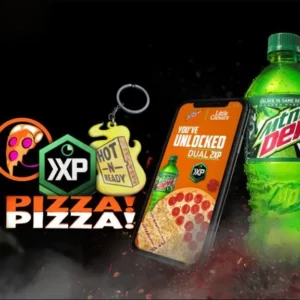
Zero Chill Operator
⚡ INSTANT CODE DELIVERY ⚡
HOW DO I REDEEM MY CODES?
Please go to www.callofduty.com/redeem to redeem your code.
You must then login or create an Activision account.
You will know your code is valid if you are redirected to the success page.
The success page will confirm what items you were rewarded along with any other item or campaign specific information.
NOTE: If you are currently in-game when redeeming a code. You must restart the game for recently redeemed items to show up in your inventory.
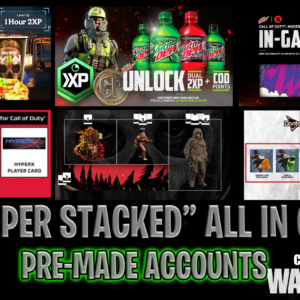
**MONSTER/XP CODE X MW3 CODE REDEEM WEBSITE**
http://callofduty.com/redeem
– If you do not have an Activision account, you will need to create one here
– Enter your code and press Submit
NOTE: If you are currently in-game when redeeming a code, you must restart the game for recently redeemed items to show up in your inventory
On rare occasions the phone version of the Call of Duty website has issues and if this happens, please try the desktop version of the website instead. You may also need to include the dashes in the code when entering it
if you get the 10-13 character error, try new web browser and also refresh the website after every code redemption







Reviews
There are no reviews yet.